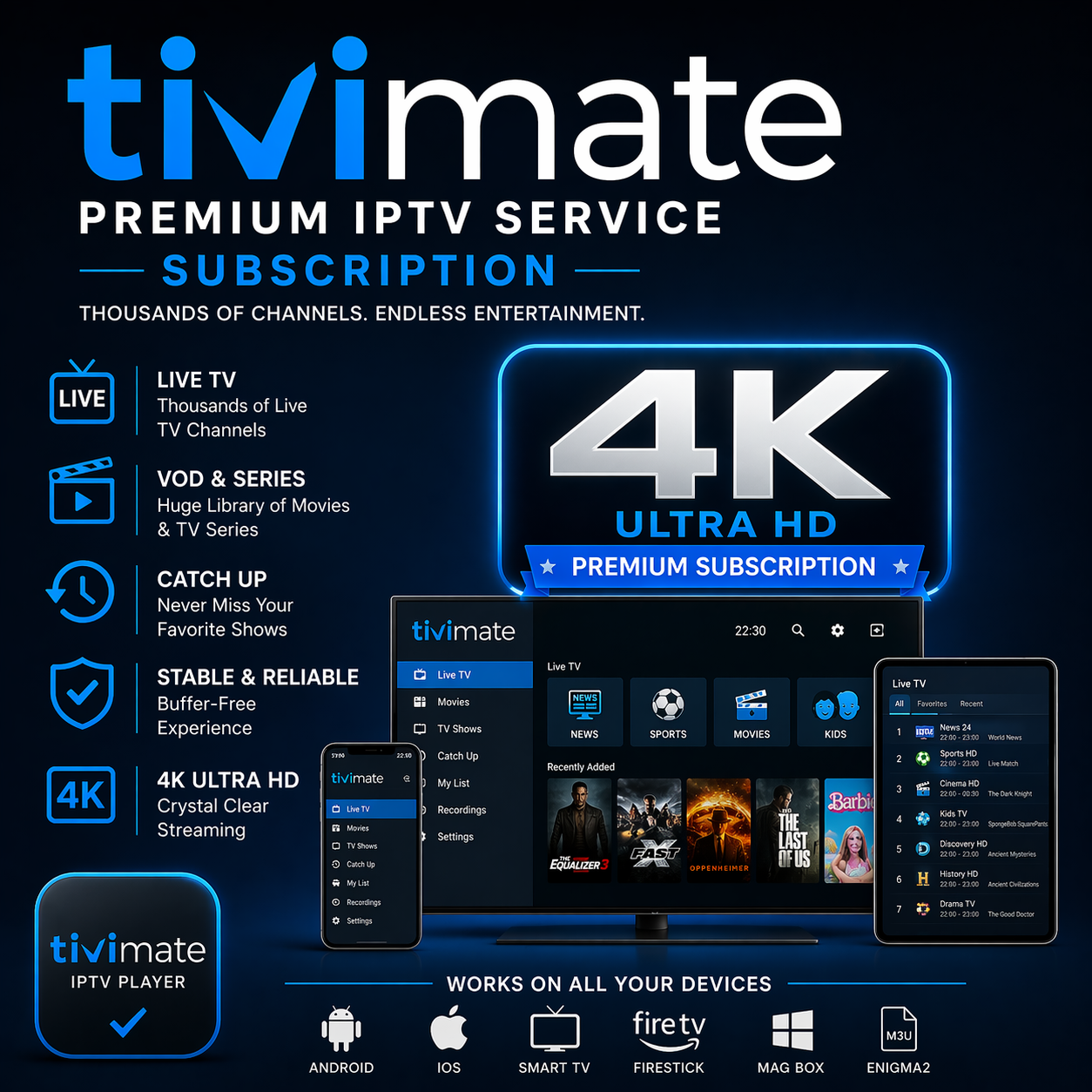
TiviMate IPTV Subscription – Greece Channels for Android TV
Unlock a premium selection of Greek national and regional TV channels on your Android TV with the Greece Channels IPTV Subscription for TiviMate. Enjoy live sports, news, entertainment, regional Greek content, high definition streaming, full EPG (electronic programme guide), and an interface optimized for Android TV devices.
What’s Included in This Subscription
Complete Greek Channel Lineup: Major broadcasters such as ERT, Mega, ANT1, Alpha, plus regional Greek channels, sports networks, news, kids and entertainment channels.
HD Quality Streaming: High-definition streaming standards; depending on your provider, device and connection you may get excellent performance.
Full Electronic Program Guide (EPG): See what’s on now and next, browse schedule by channel or time, set favourites and plan viewing easily.
Favorites & Category Organization: Use TiviMate’s interface to mark favourite Greek channels, group by category (e.g., Sports Greece, Regional Greece, News Greece), hide unused channels for a clean experience.
Reliable Service & Updates: The channel list is regularly updated, links are maintained, and you’ll receive support for Android TV setup and troubleshooting.
How to Install & Configure on Android TV
Install TiviMate on your Android TV device: Search for TiviMate in Google Play on your Android TV/Google TV device, or sideload the APK if not directly available. Ensure you enable installations from unknown sources if sideloading.
Obtain your subscription credentials: After purchase, your provider will send you a playlist URL (M3U), Xtream Codes server login or similar, plus an EPG URL if separate.
Add the playlist or server in TiviMate: In TiviMate → “Add Playlist” or “Add Server” → enter the URL / username / password, include EPG link if needed. Let the channel list and guide load.
Customize your channel layout: Mark your Greek favourites, rename groups (e.g., «Greek Sports», «Greek News», «Regional Greece»), hide the channels you don’t watch, adjust sorting and visibility.
Performance optimisation: Use a wired Ethernet connection or strong WiFi (5GHz). Close background apps if your Android TV has less memory. Check for app updates and Android TV system updates. Test some high-definition streams to confirm smooth playback.
Technical Requirements & Recommendations
Device
Android TV box or Smart TV with Android TV/Google TV OS
Internet Speed
Minimum ~25-30 Mbps for HD; higher speeds if you have multiple streams, 4K support, or heavy sports channels.
Playlist Format / Credentials
M3U or Xtream Codes (URL + login) + EPG feed; provider must supply for Greece channels.
Storage & Performance
Ensure sufficient free space, keep device clear of unnecessary apps, update firmware for best results.
Legal & Compliance Notes (Greece Context)
While IPTV technology is lawful in Greece, the critical factor is whether the provider holds the legitimate distribution rights for the channels offered. Using unlicensed services may expose you to legal penalties. :contentReference[oaicite:1]{index=1}
Greek authorities have recently introduced strict measures against illegal IPTV usage. For example, fines start at **€750** for private use of unlicensed IPTV services under recent amendments. :contentReference[oaicite:2]{index=2}
As a subscriber, you should verify the licensing, transparency and track record of your provider: look for clear business info, licencing statements, reliable payment methods and good reviews. :contentReference[oaicite:3]{index=3}
Why Choose This Greece Channels Plan
All the Greek channels you want — national, regional, sports, news — bundled in one subscription.
Smooth Android TV experience via TiviMate: designed for remote navigation, big-screen viewing, optimized for living-room setups.
High quality streaming with updated EPG, favourites, channel grouping for a premium TV experience.
Support and clarity: we emphasise providers who align with legal requirements and deliver stable service.
How to Get Started
Purchase your Greece Channels subscription, receive your credentials (playlist or server + EPG), install TiviMate on your Android TV device, input credentials, customize your channels/favourites, test streaming quality, and start watching Greek live TV with ease. Click “Buy Now” to activate immediately.
After purchase you receive your M3U playlist URL and Xtream Codes credentials instantly via WhatsApp. Open TiviMate → Add Playlist → enter your credentials. You'll be streaming in under 5 minutes.
1) Open TiviMate on your device. 2) Tap Add Playlist → Xtream Codes or M3U URL. 3) Enter the credentials we send you via WhatsApp. 4) Tap Add — your channels load instantly. We also send a full setup guide with screenshots for every device.
Yes — works perfectly on all Firestick models. Install TiviMate from the Amazon App Store or via the Downloader app, then add our subscription. Fire Stick 4K and Fire TV Cube support full 4K streaming with our Elite plan.
Instant — we're available 24/7 on WhatsApp. Message us after ordering and we'll send your TiviMate credentials within minutes. No waiting, no delays.
Yes! Message us on WhatsApp and we'll set up a free trial on TiviMate before you commit. Test channels, 4K quality, and EPG guide — no payment required.
No contracts, no auto-renewal. You pay once for the period you choose. Renew only when you want to — completely on your terms.
Still have questions?
We reply on WhatsApp in minutes — 24/7.
TiviMate with this subscription is incredible. EPG loads perfectly and I watch NFL games in 4K with zero buffering. Setup took under 3 minutes on my Firestick.
1 / 5
Choosing a selection results in a full page refresh.